Eventos
Navegación en realidad virtual en tu evento

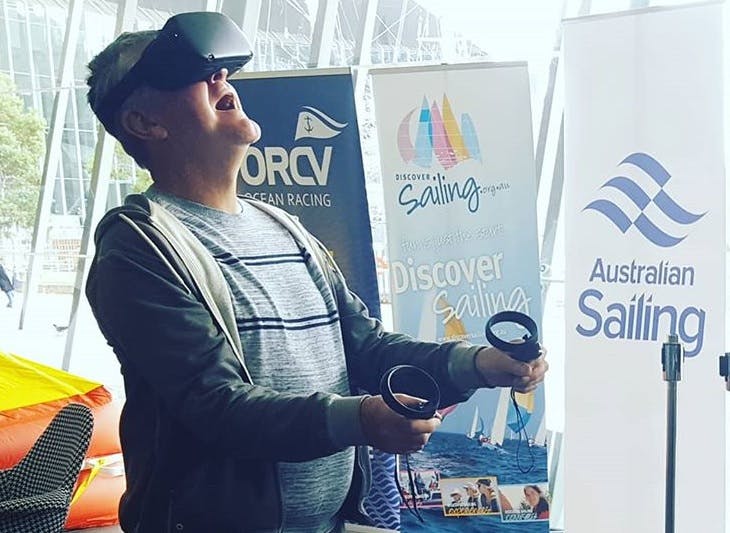

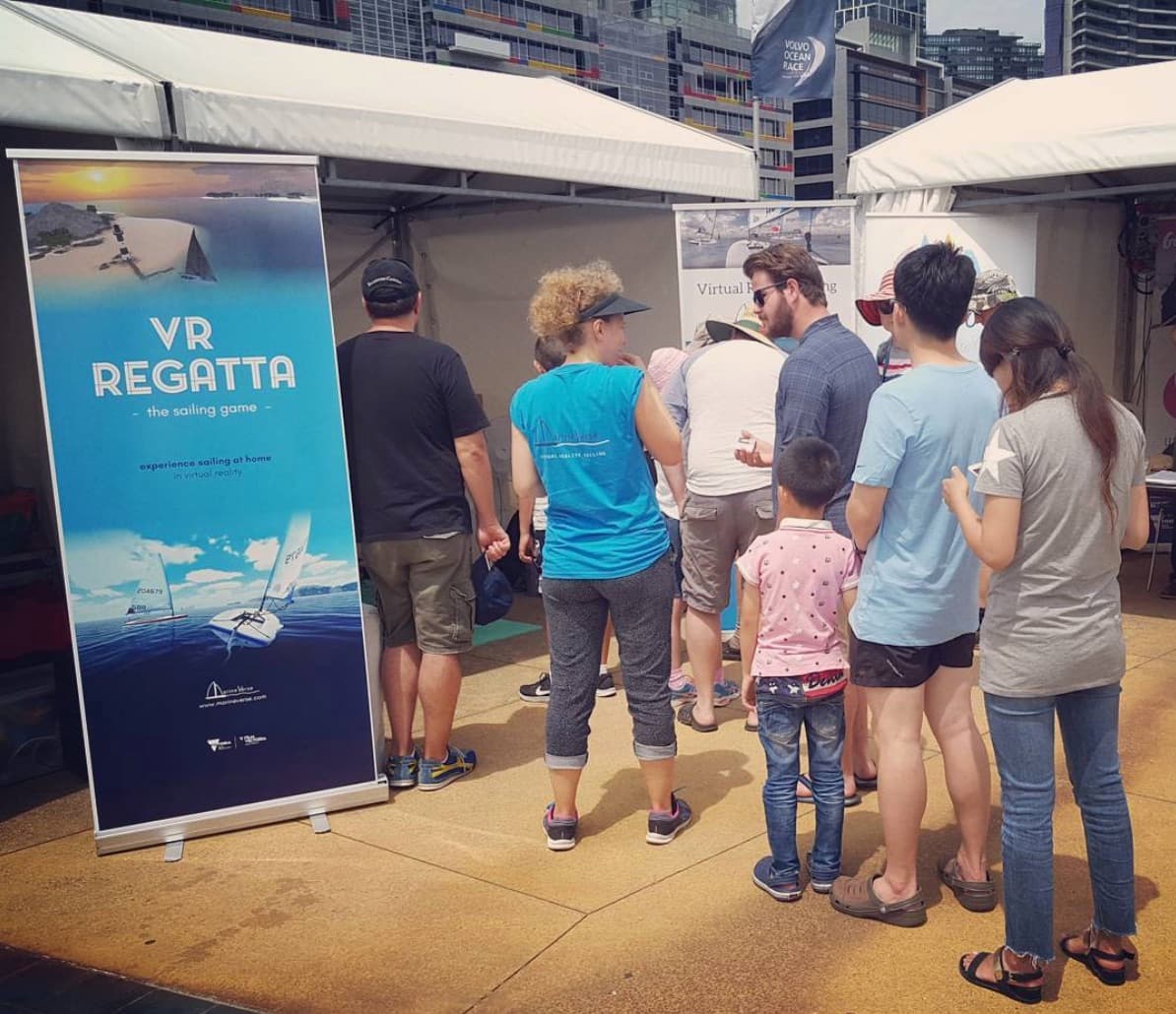
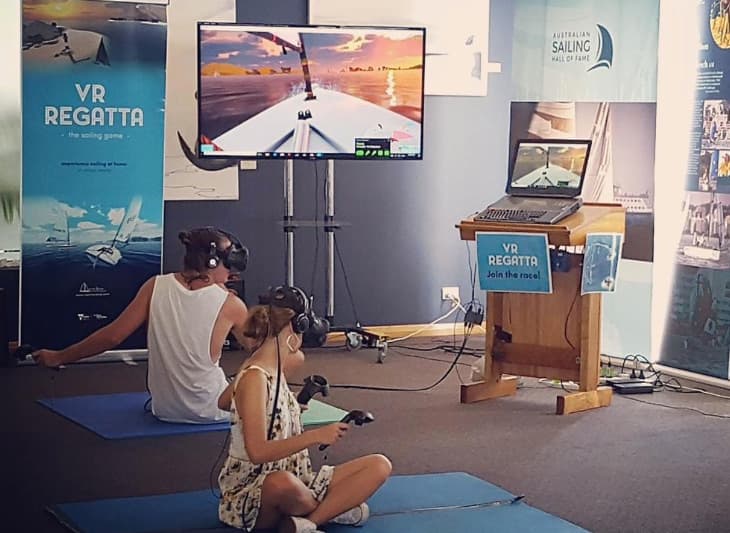
¿Te interesa tener navegación en realidad virtual en tu evento?
Para el autoservicio sigue estas instrucciones
o contáctanos: events@marineverse.com
¿Necesitas una configuración guiada con varios cascos?
MarineVerse for Teams es la versión lista para eventos de MarineVerse Sailing Club para escuelas, clubes y organizadores de eventos.
Añade el Modo Evento, Comandos Remotos y soporte de inicio sin conexión para determinadas opciones, logrando demostraciones en vivo más fluidas.
Próximos eventos
- No hay eventos planeados actualmente.
Eventos pasados
- RetroSfera 2023
- Houston Boat and Auto Show 2023
- National Sailing Programs Symposium 2019
- Melbourne Boat Show 2018
- Barwon Sports Academy Night
- NT konferenca
- PauseFest 2018
- Geelong’s Festival of Sails
- London Boat Show 2018
- Melbourne Volvo Ocean Race stopover 2017
- Unite Melbourne 2017
- Sail Sandy Regatta 2017 at Sandringham Yacht Club
- Royal Brighton Yacht Club OPENING DAY
- Melbourne Boat Show 2017
- Melbourne Knowledge Week 2017
- Singapore Yacht Show 2017
- Davos Investment Summit 2017
- Australian Grand Prix 2017 (Melbourne)
- PauseFest 2017 (Melbourne)
Características
- Contenido de navegación atractivo probado con éxito en diversos eventos y respaldado por la principal aplicación de navegación en realidad virtual de la plataforma de juegos Steam.
- Fácil de usar y optimizado para eventos
- Atractiva licencia comercial
- ( Opcional ) Tablas de clasificación en línea con oportunidades de marca
- ( Opcional ) Personalización de contenido, marca dentro del juego en las velas o tu propio modelo 3D
Testimonios
"VR Regatta es un emocionante avance para el deporte de la navegación. Hemos utilizado esta tecnología como parte de nuestras propuestas Discover Sailing en varios eventos, incluidos el Gran Premio de Australia, la escala del Volvo, la inauguración del Club y los días Discover Sailing. Ha demostrado ser una plataforma exitosa para introducir a nuevas personas al deporte de la navegación junto con experiencias reales en el agua"
Gavin Wall, Regional Manager, Australian Sailing
“Me alegra muchísimo que, cuando me pidieron organizar un stand de RV en el London Boat Show, descubriera MarineVerse y su aplicación VR Regatta. Trabajar con el equipo de MarineVerse ha sido un sueño, hacen que sea tan fácil de configurar y poner en marcha que el stand fue un rotundo éxito, con más de 200 participantes y muchos más mostrando interés en cómo podría usarse en su escuela de formación, su club o incluso como una exposición interactiva en un museo….”
Tim Chalklen, Director at Unified Digital Solutions Ltd
Contacto: events@marineverse.comCopiar correo al portapapeles
Preguntas frecuentes sobre eventos
▶Aspectos básicos de los eventos#
▶Preparación#
▶Cómo obtener ayuda#
¿Estás preparando un evento? - Consulta MarineVerse for Teams, contacta con nosotros en events@marineverse.com o únete a MarineVerse Discord para recibir ayuda de la comunidad.