Evenemang

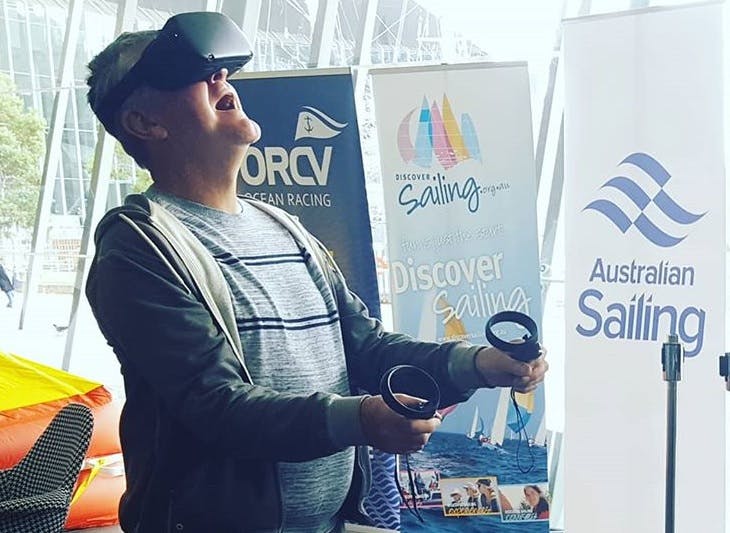
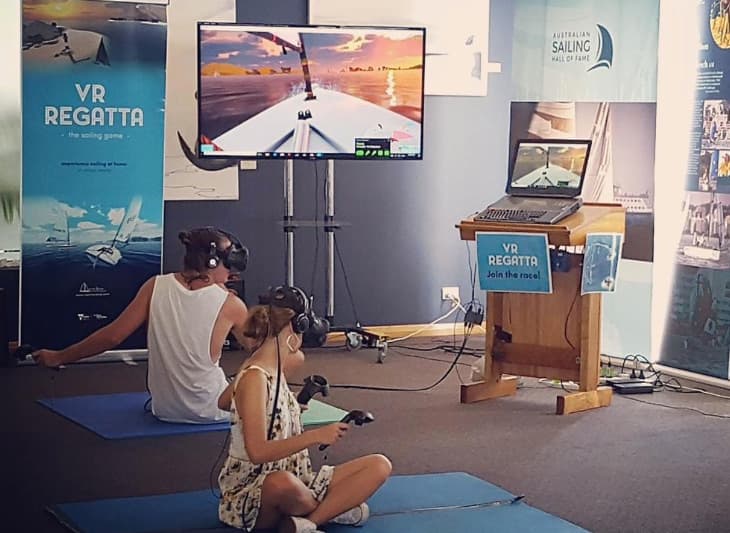
Virtual reality-segling på ditt evenemang

Segling i virtual reality
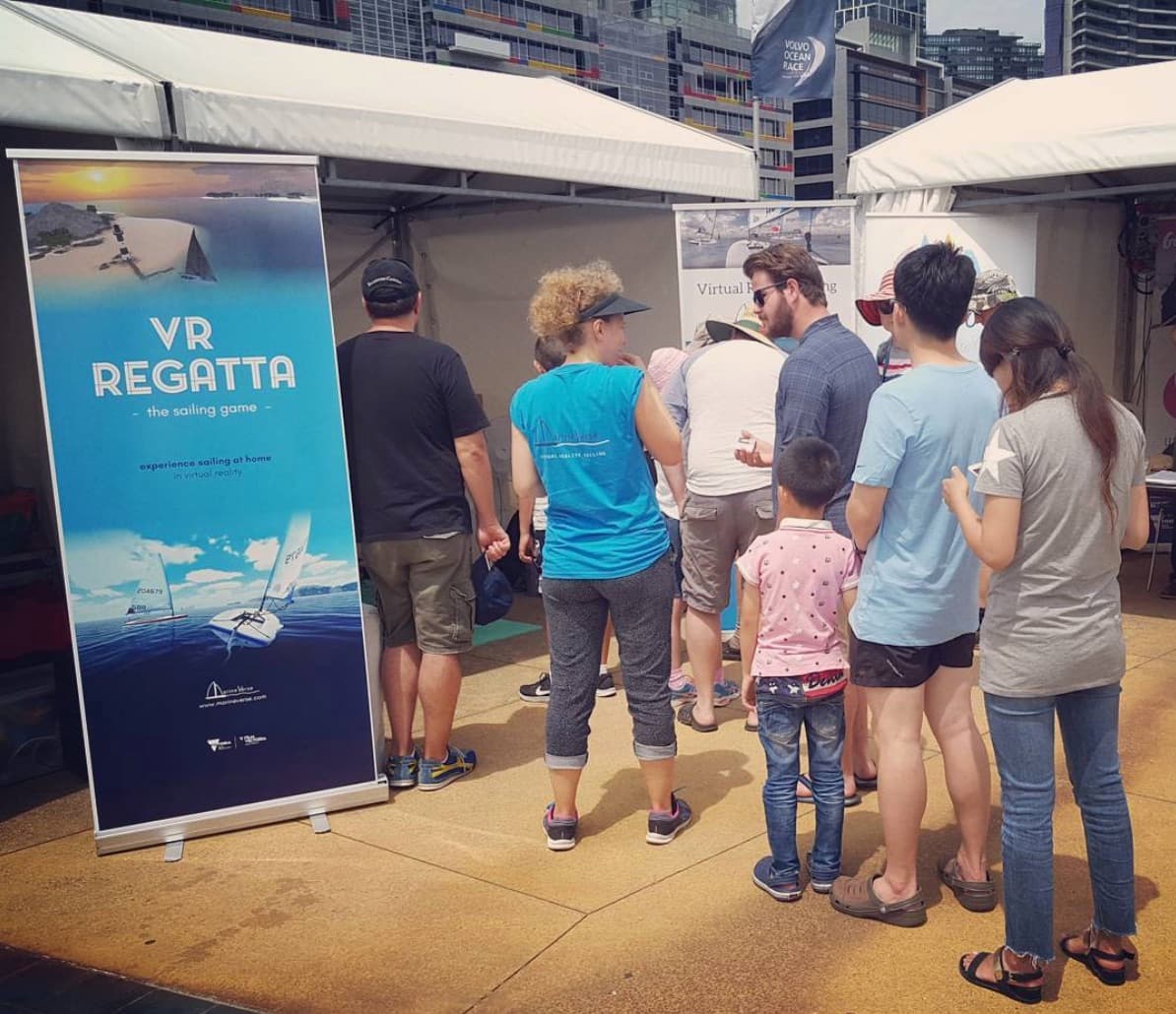
Volvo Ocean Race VR
Festival Of Sails i Geelong

Vill du ha virtual reality-segling på ditt evenemang?

För självbetjäning, följ dessa instruktioner

eller kontakta oss: events@marineverse.com

Behöver du en guidad installation med flera headset?

MarineVerse for Teams är den evenemangsanpassade versionen av MarineVerse Sailing Club för skolor, klubbar och evenemangsarrangörer.

Den lägger till Event Mode, Remote Commands och utvald offline-startsupport för smidigare livedemos.

Funktioner

  • Engagerande seglingsinnehåll som har testats med framgång på olika evenemang och som backas upp av den ledande virtual reality-seglingsappen på spelplattformen Steam.
  • Enkelt att använda och optimerat för evenemang
  • Attraktiv kommersiell licens
  • ( Valfritt ) Topplistor online med möjligheter till varumärkesexponering
  • ( Valfritt ) Anpassning av innehåll, varumärkesexponering i spelet på segel eller din egen 3D-modell

Omdömen

"VR Regatta är en spännande ny utveckling för seglingssporten. Vi har använt denna teknik som en del av våra Discover Sailing-erbjudanden på ett antal evenemang, inklusive Australian Grand Prix, Volvo-stoppet samt klubböppningar och Discover Sailing Days. Det har visat sig vara en framgångsrik plattform för att introducera nya människor till seglingssporten i kombination med upplevelser på riktigt vatten"

    Gavin Wall, Regional Manager, Australian Sailing

”Jag är så glad att jag, när jag blev ombedd att organisera en VR-monter på London Boat Show, snubblade över MarineVerse och deras app VR Regatta. Att arbeta med killarna på MarineVerse har varit en dröm, de gör det så enkelt att sätta upp och köra att montern blev en stormande succé, med över 200 deltagare och många fler som visade intresse för hur den skulle kunna användas på deras seglarskola, eller klubb, eller till och med som en interaktiv utställning på ett museum….”

    Tim Chalklen, Director at Unified Digital Solutions Ltd

Kontakt: events@marineverse.comKopiera e-post till urklipp

Events FAQ

Event Basics#

What kind of events can MarineVerse support?
MarineVerse can be featured at boat shows, sailing club open days, school STEM events, corporate team building, Sailability programs, and any event where you want to introduce people to sailing in a fun, safe, and engaging way.
What equipment do I need to run VR sailing at my event?
You need a Meta Quest headset (Quest 3 or Quest 3S recommended), the MarineVerse Sailing Club app installed, a stable WiFi connection, and ideally a TV or monitor for spectator viewing via casting.
Is there an event-optimized version of MarineVerse?
Yes. MarineVerse for Teams is the event-ready version of MarineVerse Sailing Club for schools, clubs and event organisers. It is built for guided demos, Event Mode, Remote Commands and smoother multi-headset experiences. If you are running repeated participant sessions or facilitator-led activations, this is our recommended setup.
How many people can try VR sailing at an event?
With one headset, expect roughly 10-15 people per hour (5-6 minute sessions). For higher throughput, use multiple headsets. Many events run 2-3 headsets simultaneously with a dedicated facilitator for each.
Is there a commercial license required?
For occasional club events and demos, the standard app is fine. For commercial use (paid events, ongoing programs, branded experiences) with under 5 headsets, ensure each account has a Club Membership (Sailing Pass) purchased. For events with 5+ headsets, contact us at events@marineverse.com for discount and custom pricing.
How many headsets can sail together?
Up to 7 sailors can join the same multiplayer room/sailing session. For larger groups, you can create multiple rooms running simultaneously. This lets you support bigger events by splitting participants into groups of 7.
I have more than 10 headsets. Can you support that?
Yes! For large-scale deployments with 10+ headsets, contact us at events@marineverse.com for custom solutions, volume pricing, and dedicated support.

Setting Up#

How do I set up VR sailing for an event?
For small self-service setup, follow our event setup guide. Key steps: download MarineVerse Sailing Club, set up a play area, configure casting to a TV, and prepare a quick intro script for participants. If you want a more guided operator workflow, multi-headset participant flow, or selected offline startup support, see MarineVerse for Teams.
What space do I need?
A 2m x 2m clear area per headset is ideal. Participants will be seated or standing in place, so you don't need a large room. Ensure good lighting (not too bright or dark) and minimal obstacles.
How do I cast to a TV for spectators?
Use Meta Quest's built-in casting to a smart TV, browser, or the Meta Mobile App. This lets spectators watch what the VR user sees, making it more engaging for everyone waiting in line.
What about hygiene concerns with shared headsets?
Use disposable face covers (available from Meta or third parties), clean headsets between users with alcohol wipes, and keep hand sanitiser available. Some events provide individual face masks for each participant.

Getting Help#

How do I get support for my event?
Contact us at events@marineverse.com with details about your event. We can provide guidance, promotional materials, and for larger events, discuss custom arrangements.
Can MarineVerse attend or help run my event?
For select events, we may be able to provide direct support. This depends on location and event size. Contact us well in advance to discuss possibilities.

Planning an event? - See MarineVerse for Teams, contact us at events@marineverse.com, or join MarineVerse Discord for community support.

See all FAQ →